Now on the App Store
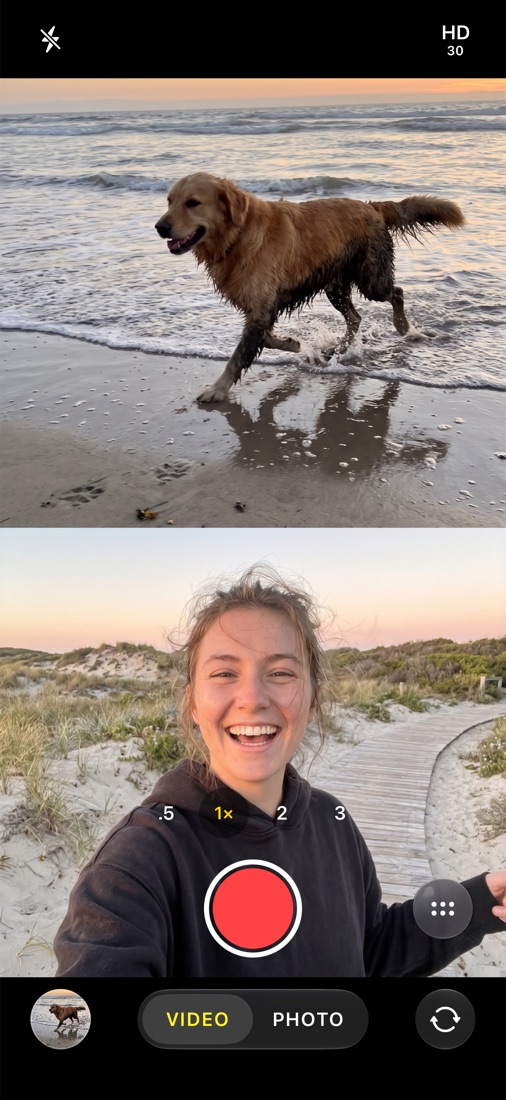
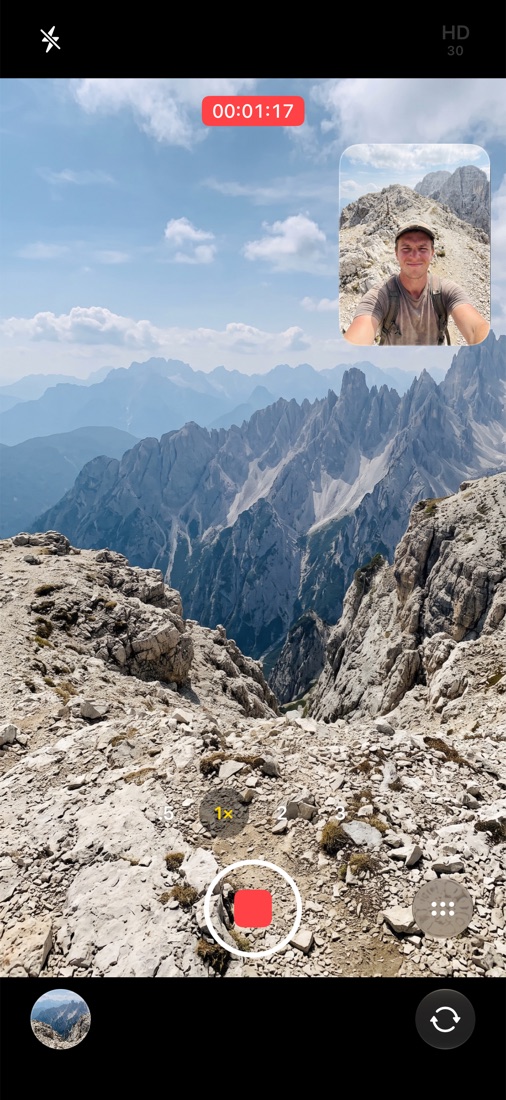
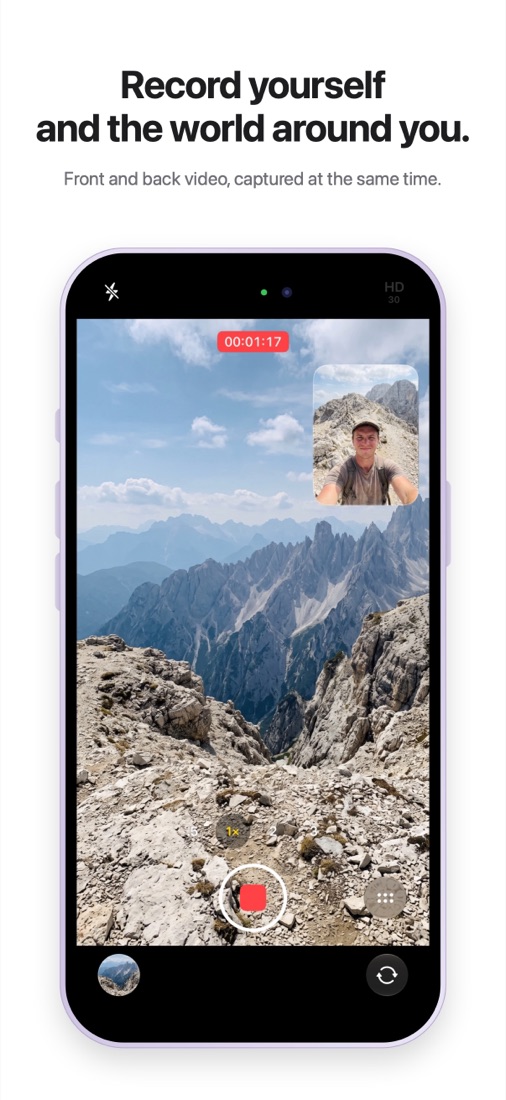
Record yourself and the world around you.
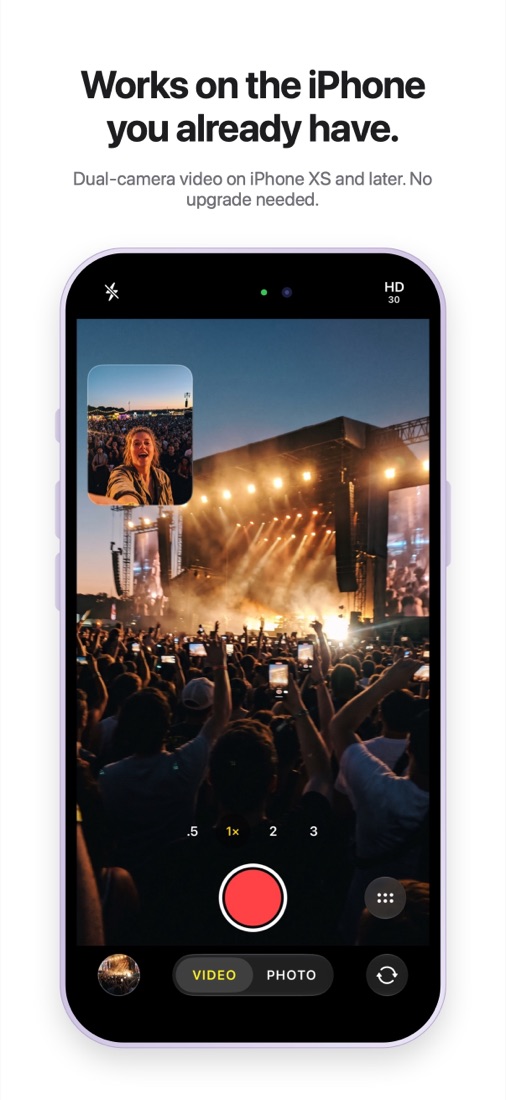
Simultaneous front and rear video capture, an iPhone 17 feature, on the iPhone you already own, back to iPhone XS.
Version 1.0 · iPhone XS and later · Open source on GitHub
Now on the App Store
Simultaneous front and rear video capture, an iPhone 17 feature, on the iPhone you already own, back to iPhone XS.
Version 1.0 · iPhone XS and later · Open source on GitHub
Your iPhone has had the hardware to run two cameras at once since 2018. DualShot finally lets you use it.
Familiar controls, plus the things you need when you shoot two angles at once.
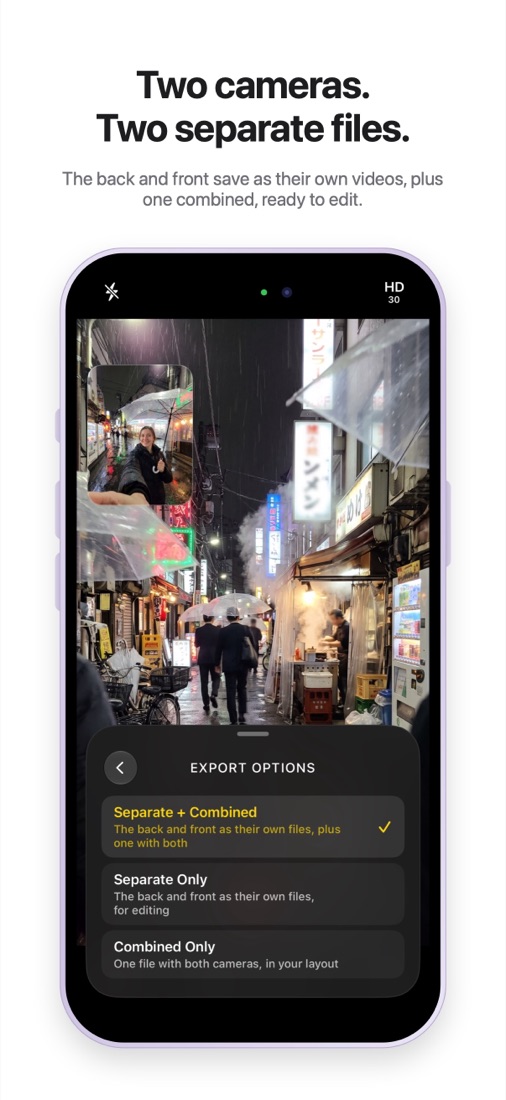
The back and front cameras are saved as separate videos, so you can cut between them in any editor. A combined video is saved too.
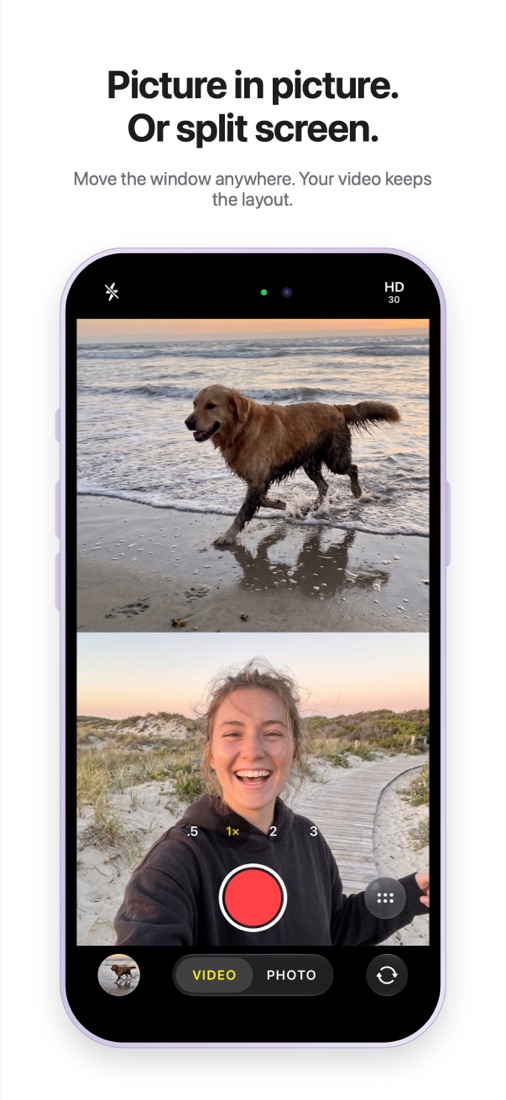
Drag the front-camera window to any corner, or split the screen top and bottom. The combined video follows your layout.
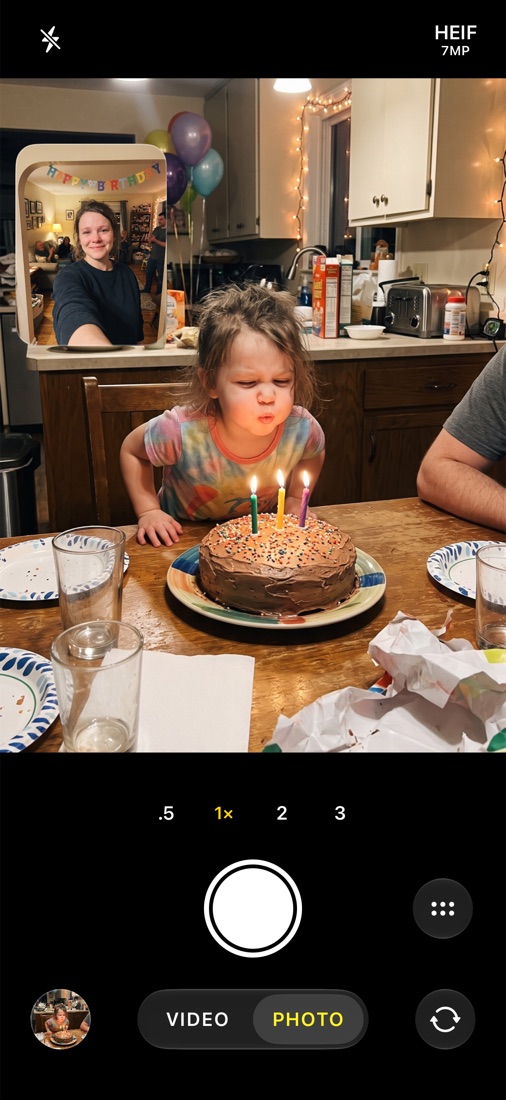
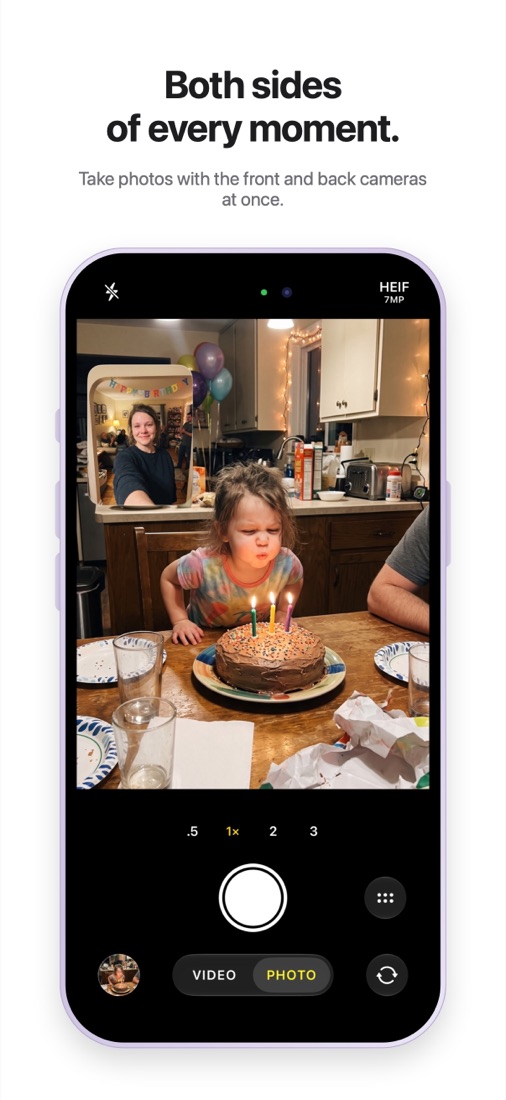
One tap takes a photo with both cameras at the same moment, in HEIF or JPEG, with flash and a self-timer.
Change zoom mid-take, across every back lens your iPhone has, from .5× up to 3× on Pro models. DualShot handles the lens switching for you.
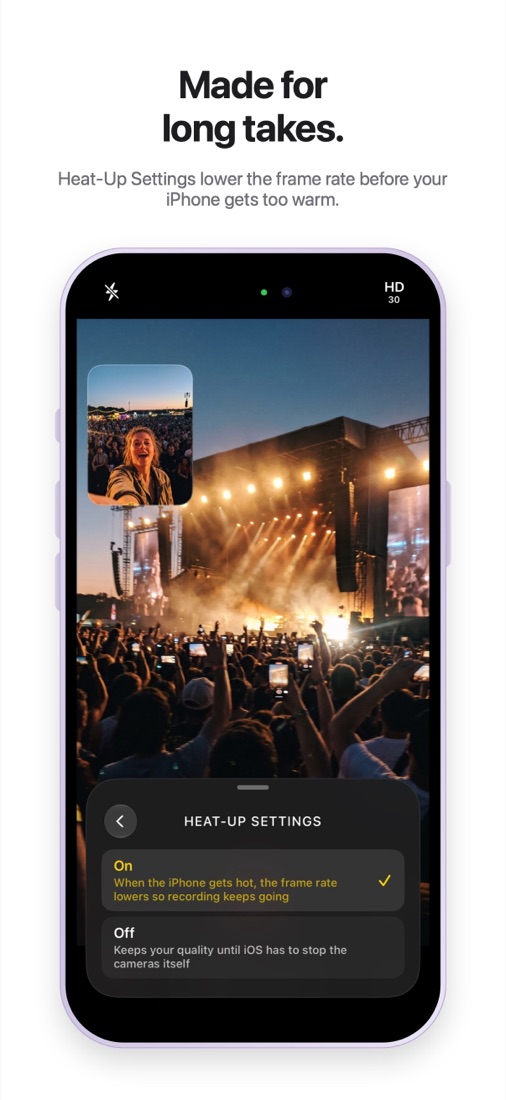
Two cameras work hard. DualShot watches your iPhone's temperature and lowers the frame rate before it has to stop recording.
On first launch DualShot checks what your iPhone can handle, then offers only the resolutions and frame rates that will work, up to 4K on newer models.
Any iPhone with an A12 chip or newer that runs iOS 17 or later. Older models record at lower resolutions; DualShot picks the best your iPhone can do.
iPad support is coming.
DualShot is free on the App Store for iPhone XS, XR and newer with iOS 17 or later.

The same app, unsigned, for installing with your own Apple ID.
Install to your iPhone, then allow it in Settings › General › VPN & Device Management.
With a free Apple ID, sideloaded apps need re-signing every 7 days. Prefer to build it yourself? See the README on GitHub.
It's the same idea, recording the front and back cameras at once, built independently with Apple's public camera APIs. DualShot also saves each camera as its own file and takes dual photos.
Apple offers Dual Capture only in the Camera app on the iPhone 17 lineup. The ability to run two cameras at once has been available to apps since iOS 13 on iPhones with an A12 chip or newer.
Running two cameras is demanding. With Heat-Up Settings on, DualShot lowers the frame rate as your iPhone warms up so recording keeps going. You can turn it off if you'd rather keep full quality.
Yes, one microphone track shared by both files, so they stay in sync.
Download it free from the App Store. You can also download the unsigned IPA and install it with AltStore or Sideloadly, or build it from the source on GitHub with Xcode.